








생성기
역사
AI 평면도 생성기
변경 도구
모델
베이스 버전
스위치
방
침실
-
2
+
욕실
-
1
+
Kitchen
오픈형
폐쇄형
총면적
단위 메트릭
메트릭 제국의
제국의
메트릭 제국의지역
< 50㎡
50-80㎡
80-100㎡
100-120㎡
120-150㎡
> 150㎡
추가 시설
워크인 클로젯
세탁실
저장실
유틸리티룸
홈 오피스
차고
식료품 창고
거실과 식당 통합
발코니

Unlock Your Dream Layout with Our Easy Blueprint Creator
Imagine transforming your ideas into detailed floor plans in seconds. Ideal House's AI Floor Plan Generator is the ultimate easy blueprint creator, designed for homeowners, designers, and real estate professionals. Generate precise 2D floor plans effortlessly, guiding your vision from concept to stunning reality. Say goodbye to complex software and hello to intuitive design.
Generate My Floor Plan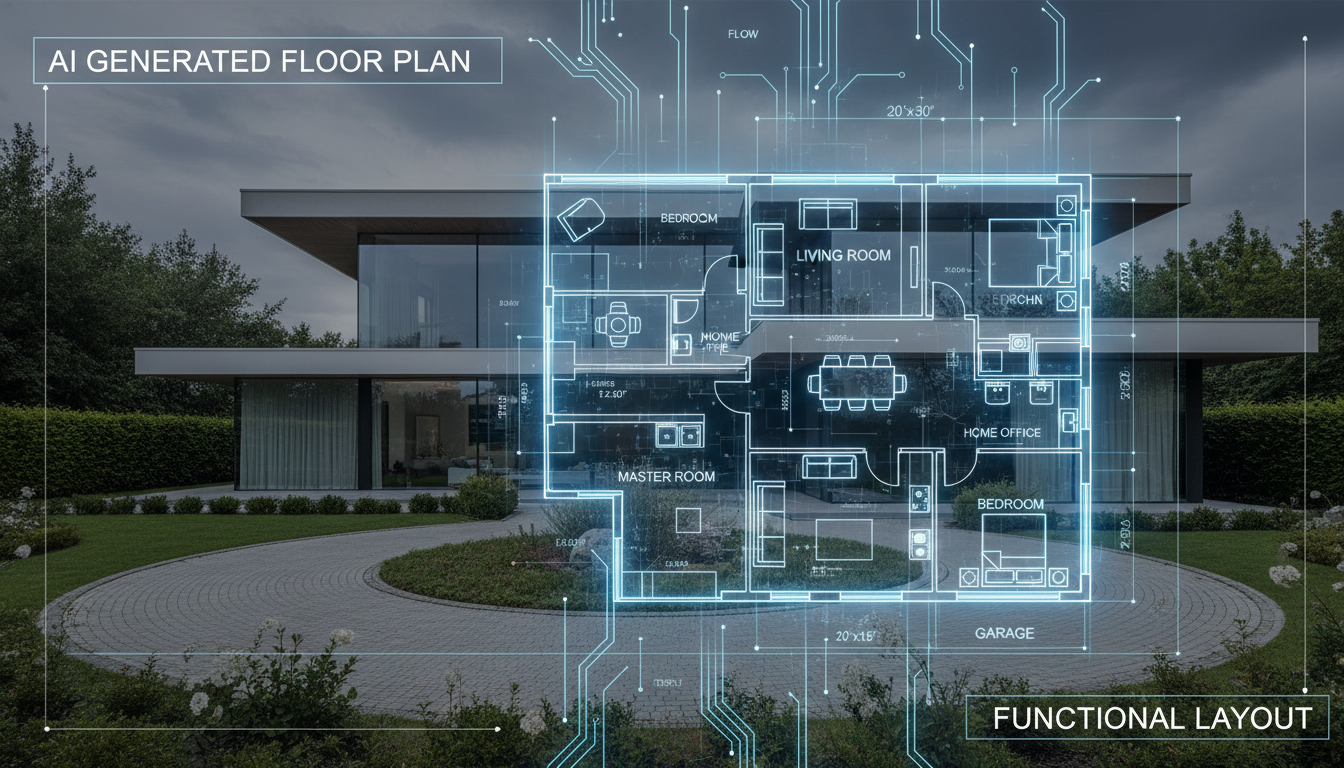


Why Ideal House is Your Go-To Easy Blueprint Creator
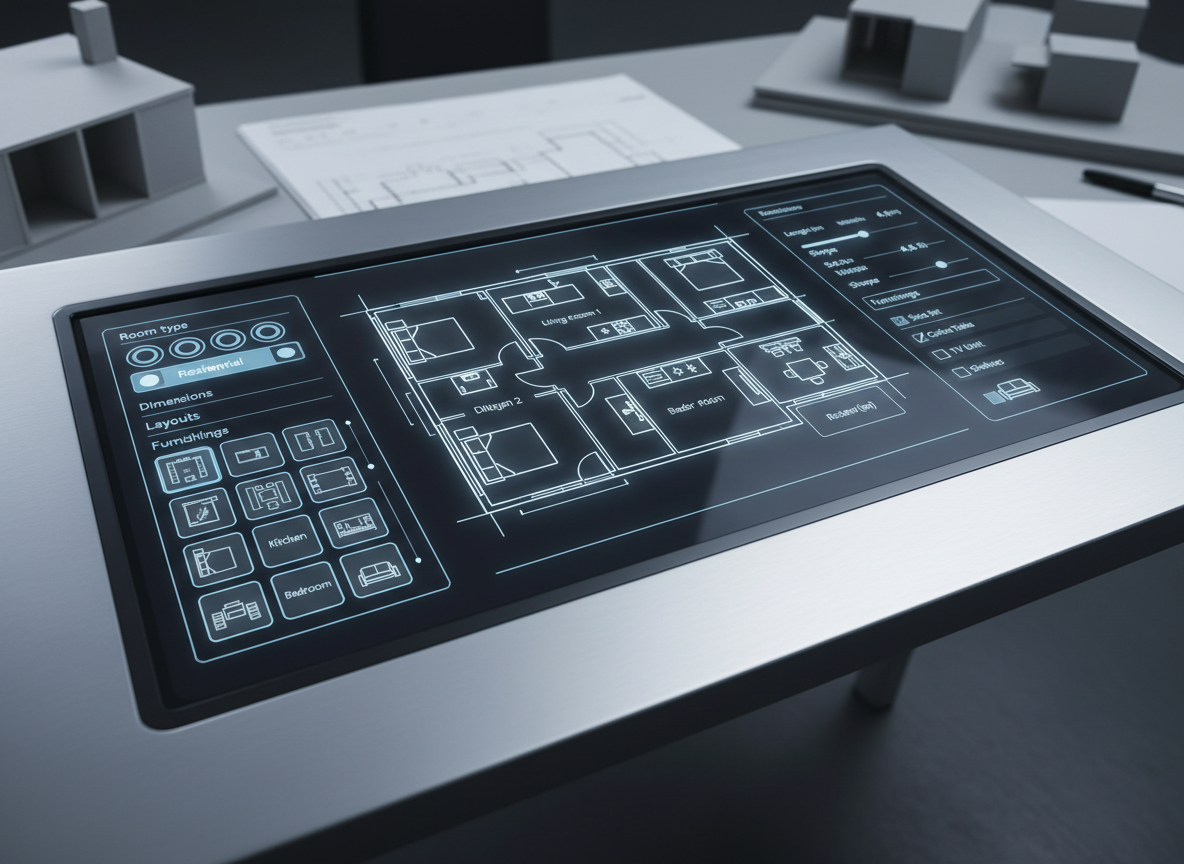
Instant, Intuitive Design
Gone are the days of wrestling with complex architectural drawing software. Our AI Floor Plan Generator offers an incredibly easy blueprint creator experience. Simply input your preferences—from bedroom count to kitchen style—and watch as a detailed 2D floor plan materializes instantly. It's the ultimate home design tool for rapid prototyping.
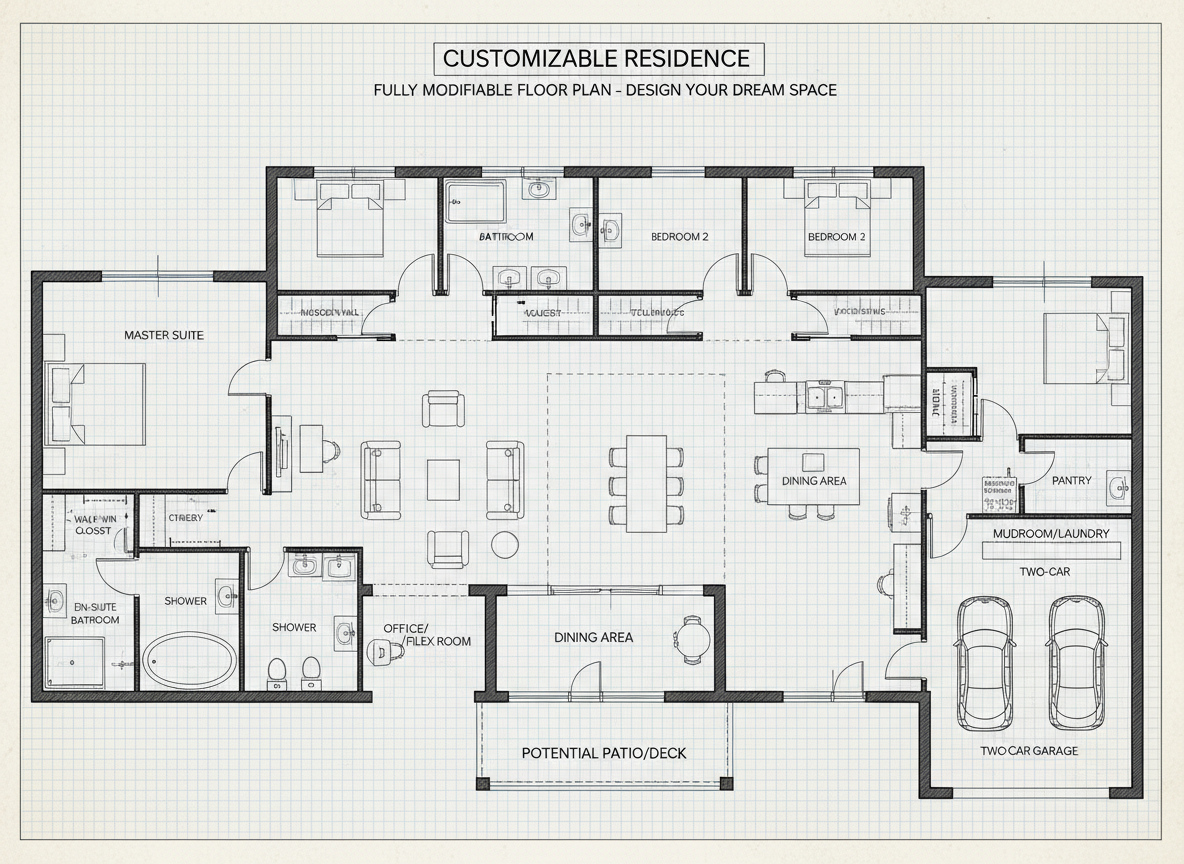
Unrivaled Customization & Precision
As an easy blueprint creator, Ideal House doesn't compromise on detail. Define your ideal home with parameters like gross area, open or closed kitchen, and essential extras such as a walk-in closet or home office. Our smart AI crafts custom house plans that reflect your exact needs, ensuring every digital floor plan is uniquely yours.

Seamless Workflow for Every Professional
Whether you're a real estate agent needing a quick property layout creator for listings or an interior designer seeking a flexible room design app, Ideal House streamlines your workflow. Our easy blueprint creator provides presentation-ready plans, perfect for client discussions and marketing materials, boosting your efficiency and professionalism.
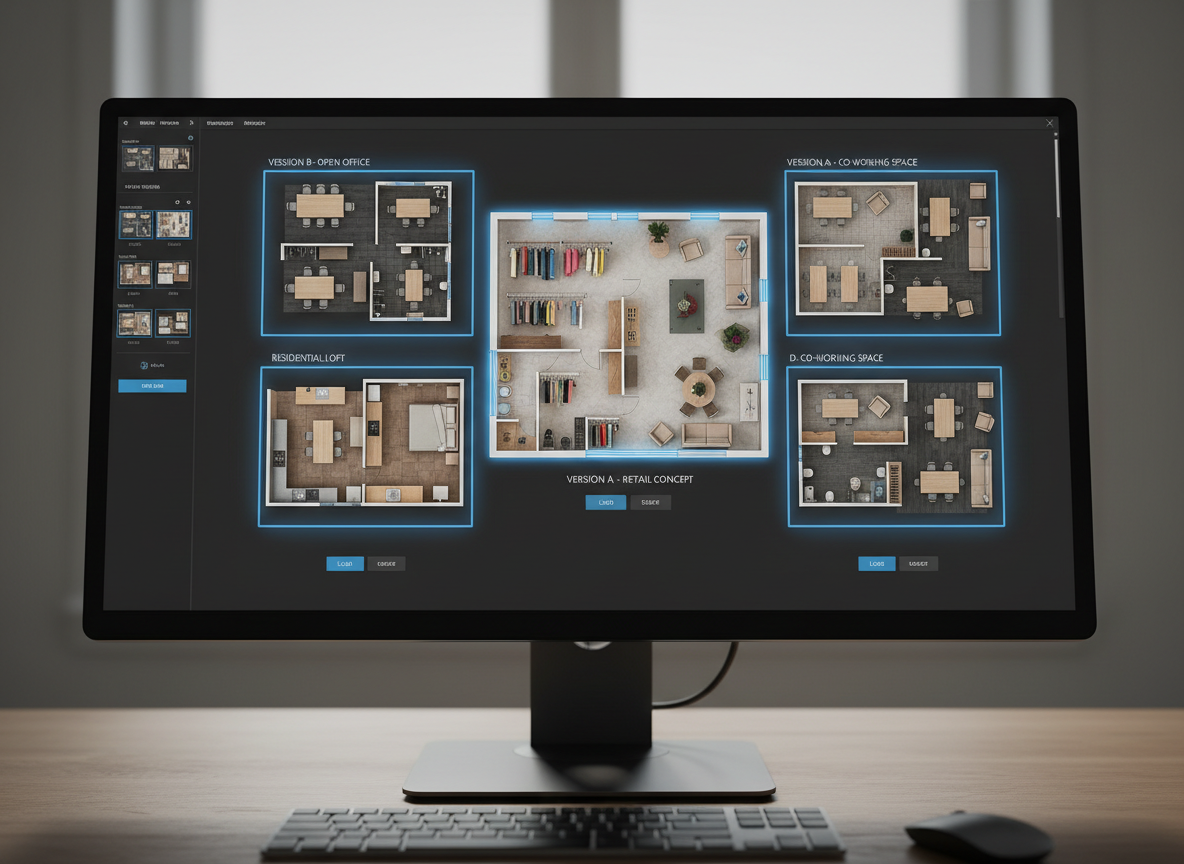
Review and Refine with Ease
Every design iteration is valuable. With Ideal House, your generated 2D floor plan is saved in your history, making it simple to compare and refine. Utilize our filter and viewing options to track progress, ensuring your final blueprint software output is exactly what you envisioned. It’s an easy blueprint creator that keeps you in control.

Who Benefits from Our Easy Blueprint Creator?

Homeowners dreaming of their perfect layout or planning a home renovation.

Interior Designers and Decorators needing rapid, customizable room design app solutions.

Real Estate Agents and Developers seeking professional 2D floor plans for listings.

Your Guide to Using the Easy Blueprint Creator
1
Define Your Space: Select the number of bedrooms (0-4) and bathrooms (1-3) to establish the core of your home layout planner.
2
Style Your Kitchen: Choose between an open or closed kitchen, influencing the flow and feel of your living areas.
3
Size Your Home: Pick a gross area range that aligns with your desired footprint for realistic proportions.
4
Add Key Features: Incorporate extras like a walk-in closet, laundry room, or home office to shape the functionality of your digital floor plan.
5
Generate & Refine: Click 'Generate' to see your new 2D floor plan. Review, tweak parameters, and regenerate to compare versions in your history. This easy blueprint creator makes iteration simple.
6
Export & Share: Download your finalized plan as an image or PDF, ready for sharing with clients, contractors, or on property listings.
Frequently Asked Questions About Our Easy Blueprint Creator
How does the AI create a floor plan from my selections?
Our AI floor plan generator interprets your inputs (beds, baths, kitchen type, area, and extras) and applies smart design principles to quickly draft a coherent 2D floor plan. It's an intelligent home design tool that learns from your choices to provide optimal layouts. The easy blueprint creator makes complex tasks simple.
Can I really customize the layouts effectively?
Absolutely! This easy blueprint creator allows extensive customization. By adjusting parameters like gross area bands, kitchen styles, and adding specific extras (e.g., pantry, combined living-dining), you directly influence the generated custom house plans, ensuring they meet your unique requirements.
Is this tool suitable for home renovation planning?
Yes, it's an excellent home renovation planner. You can quickly generate various room layout creator options to visualize potential changes, compare different configurations, and present clear 2D floor plans to contractors or family members before committing to a design. It's a key part of your property layout creator toolkit.
How fast can I get a usable floor plan?
Our online floor plan tool is designed for speed. Most 2D floor plan generations are completed in mere seconds. You get an immediate visual representation, making it a truly easy blueprint creator for rapid concept development.
What's the difference between open and closed kitchen options?
Choosing an open kitchen in our floor plan software typically results in a more integrated, continuous living space, often combining living and dining areas. A closed kitchen creates a distinct, separate cooking zone, offering more privacy and often better odor containment. Both options are easily selected in this easy blueprint creator.
Complement Your Design with Related Ideal House Tools
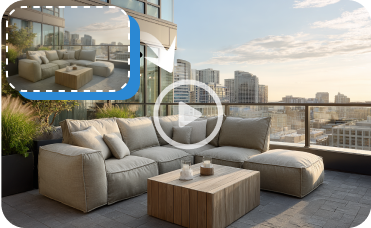
Image to Video
Transform your static French Opulent images into dynamic, engaging video tours.

Magic Editor
Make precise edits to any part of your room, from changing cabinet hardware to removing clutter.
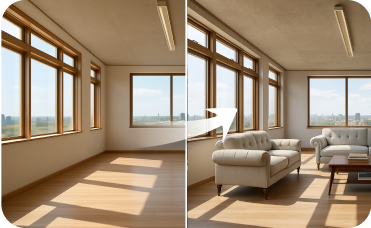
Virtual Staging
Complete your curb appeal ideas by adding virtual landscaping, patio furniture, and outdoor decor to your renovated exterior.
Ready to Design Your Space with an Easy Blueprint Creator?
Transform your ideas into stunning 2D floor plans instantly with Ideal House.
Generate My Floor Plan
💰 Ideal House의 제휴 파트너로 10% 수수료를 받으세요.
가입하세요